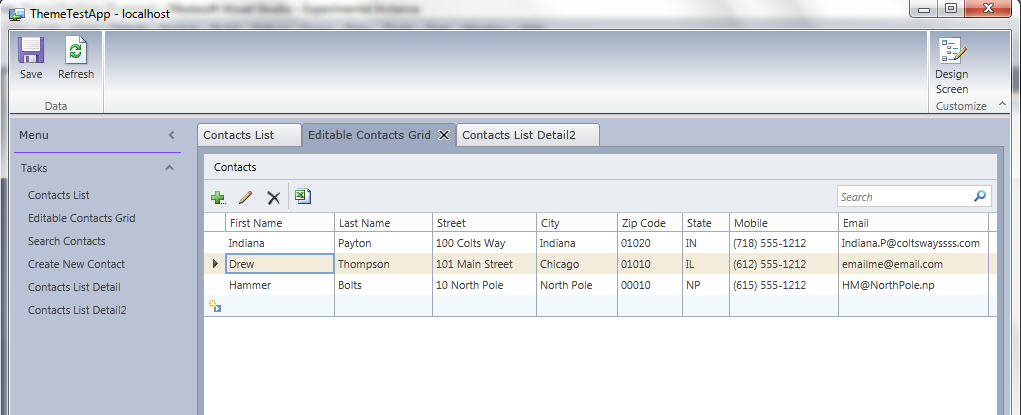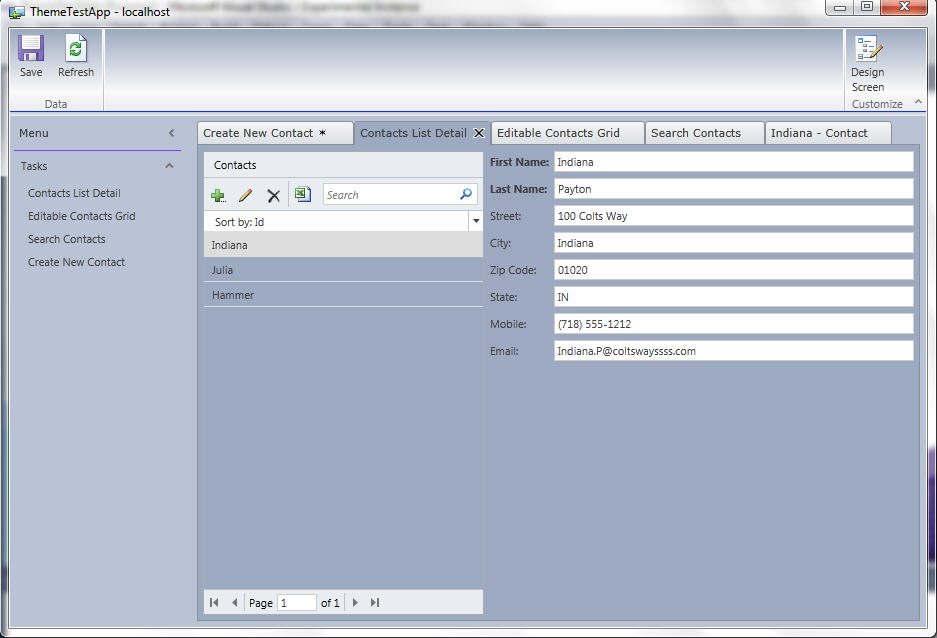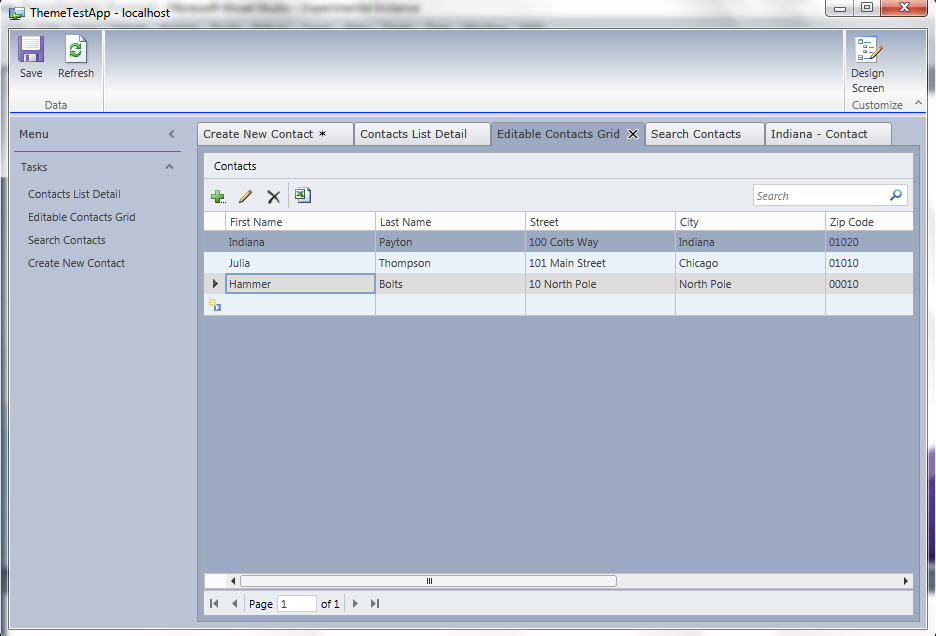
VS Dark Blue Theme

Free

VS Dark Blue Theme using different shades of dark colors to give your LS app a unique but familiar look

(4) Review
Visual Studio
2012, 2010
Download (8,827)
9/5/2011
1.2
E-mail Twitter del.icio.us Digg Facebook
Add To Favorites
Description
Reviews (4)
Q and A (1)
Sign in to Write a Review
Sort By:

by bhuven | September 04 2011

Thankyou Cromanty, Great Work

by YannDuran | September 04 2011

Excellent! Well done!

by Mr Yossu | September 04 2011

Excellent! very clean and professional looking colour scheme.

Thanks very much for providing this to the community!

by PowerBala | September 04 2011

Sign in to Start a Discussion


  • problem with control
    3 Posts | Last Post September 08, 2011
    • This is an awesome theme Cromanty, and thank you for posting it.
      
      I have applied it to a project that works with the standard Lightswitch theme and it works great with one exception - when I navigate from a search screen to a details screen the first control - which is a text box showing the limked field/screen paramater - throws the error - "a control must be selected", and displays a red cross.
      
      Any ideas how I can prevent this?
      
      Thx for your help
      
      Dave White
    • I have now solved this issue as follows .. 
      
      I am working with two entities loaded from an external SQL Server Database - one is a table and one a read only view.
      
      On the Details Screen for the Table, the VS Dark Blue Theme rendered the Text Box I was using to display the Screen Parameter as a Custom Control - and changing it back to a Text Box removed the error.
      
      On the Details Screen for the View, the VS Dark Blue Theme rendered the control as a Text Box. To remove the error, I simply deleted the original control and replaced it with another text Box with the same binding.
      
      I am now loving this theme!
    • Thank you Dave.  Please let me know if you have any new issues.