Getting Started | Feedback | Report bugs
Release notes - 4.5 and 4.4 features - 4.3 features - 4.2 features - 4.1 features - 4.0 features
If you need a Visual Studio 2010 version of this extension, please contact me via Github/email
The SQL Server Compact & SQLite Toolbox adds several features to help your SQL Server Compact and SQLite development efforts:
Explore!
Connect to SQL Server Compact 4.0, 3.5, SQL Server and SQLite database files in Visual Studio 2017 and later.
Lists all SQL Server, SQL Server Compact and SQLite Data Sources defined in Server Explorer
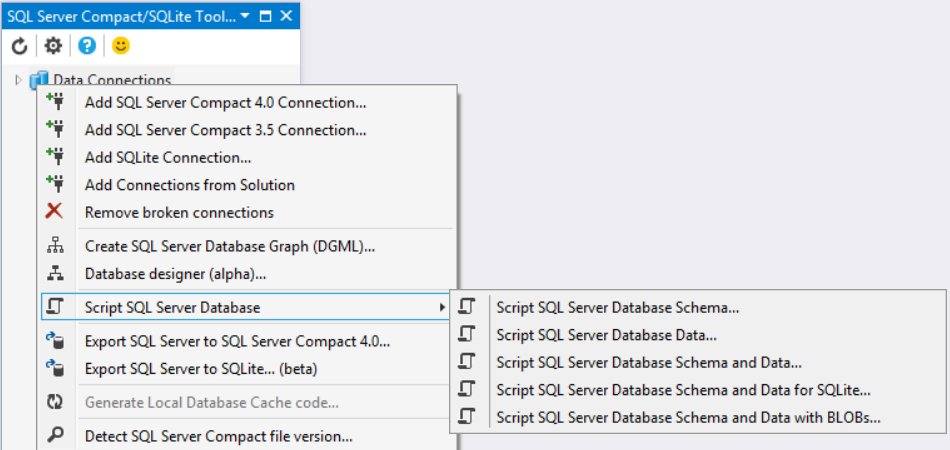
Scan current Solution for SQL Compact and SQLite files, and add these to the Toolbox
Displays object properties in Properties window
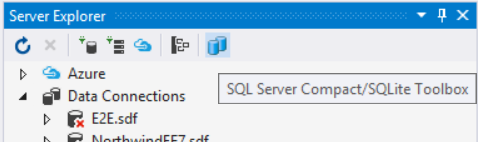
Launch directly from Server Explorer
Explore all database objects: Tables, Columns, Indexes, Keys, Views, Triggers, Statistics, Merge Subscriptions, Sync Scopes
Remove invalid Data Sources from the Toolbox (and Server Explorer)
Rename connections and tables
Copy the database file for example to your project or any other folder
Script/Migrate!
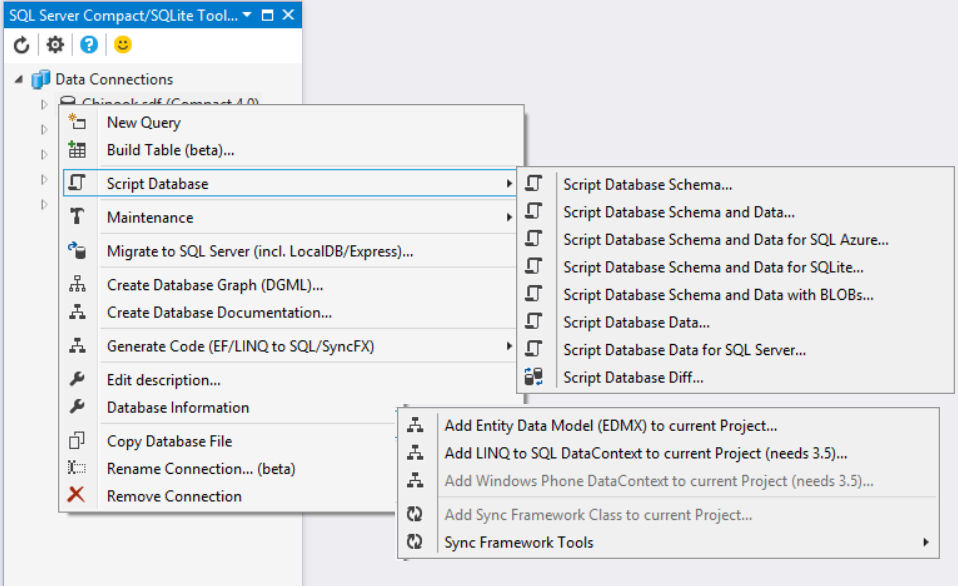
- Script entire schema and/or all data from SQL Server Compact, SQLite and SQL Server databases, and choose tables to script - with high fidelity
- Import to SQL Server Compact or SQLite from a SQL Server database or a CSV file
- Migrate a SQL Server Compact or SQLite database directly to SQL Server (LocalDB/Express)
- Migrate from SQL Server Compact or SQLite to SQL Server, SQL Azure and SQLite via script
- Migrate from SQL Server or SQLite to SQL Server Compact, either via script or in a single step
- Create database schema diff scripts, compare with a SQL Server Compact or even a SQL Server database
- Create database table data diff scripts, compare with a SQL Server Compact or even a SQL Server database
- Build CREATE TABLE scripts, and Index/Column and Foreign Key scripts from the UI
Query!
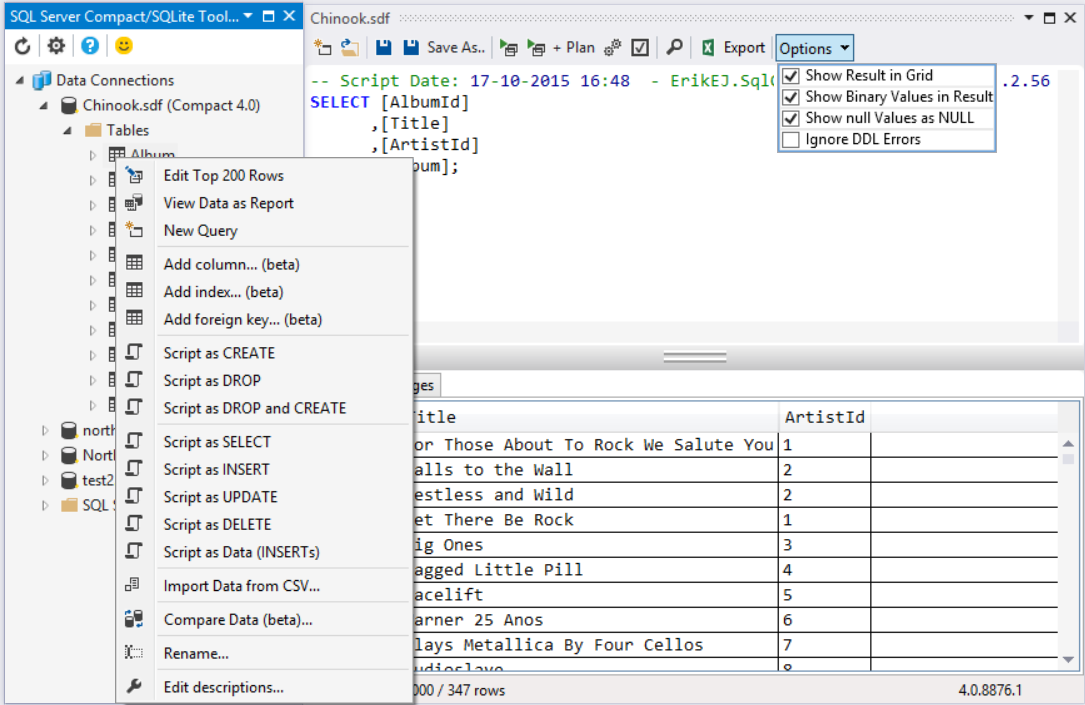
- Basic, free form query execution in editor with syntax coloring, support for large files, and built-in search with result highlighting
- Parse SQL scripts
- Display graphical estimated and actual execution plan
- Check query duration
- Explore query results with filtering, sorting and grouping
- Edit table data in a grid, with column sorting, clever column sizing, image import/export, quick search and free form query
- View table data as a report, with options to page through data, print and export as Excel/Word/PDF
Generate code!
- Generate Windows Phone LINQ to SQL DataContext classes (.cs or .vb) (for SQLCE 3.5 only) in the current project, with optional ConnectionStringBuilder class
- Generate desktop LINQ to SQL classes for SQL Server Compact 3.5 and 4.0 databases
- Generate SQLite based sqlite-net code for use in WinRT, Windows Phone and Universal apps
- Full integration with Entity Framework 6.x Tools in VS 2012 and later to enable "EF Designer from Database", "Code First from database" and "Generate Database from Model" workflows for SQL Server Compact 4.0 and SQLite
Document!
- Add object descriptions to databases, tables and columns- Generate detailed DGML files for visualizing table columns and relationships (requires VS Community or Pro to view)
- Generate database documentation in HTML or XML formats, courtesy of DB>doc for Microsoft SQL Server
- Data types node with documentation tooltips lists the 18 available data types in SQL Server Compact
Manage versions!
- Database File version check
- Maintain databases: Set password, Verify, Shrink, Compact, Repair (SQLCE), Vaccum, Reindex (SQLite)
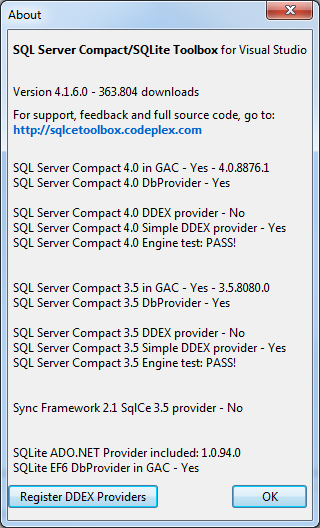
- About box with detailed SQL Server Compact engine version information
- Upgrade version 3.1/3.5 files to version 4.0 in a single step
Synchronize!
- Extensive support for Sync Framework 2.1, including Provisioning, Deprovisioning, Code Generation, Local Database Cache Code Generation and Explorer tree integration
- Create and manage SQL Server Merge Replication subscriptions
For support, full source code, and standalone versions for 4.0 and 3.5 (for VS Express and non-VS users) and feedback, go to: https://github.com/ErikEJ/SqlCeToolbox - the source code also includes a scripting API and command line versions of many of the features in the Toolbox.
| |

