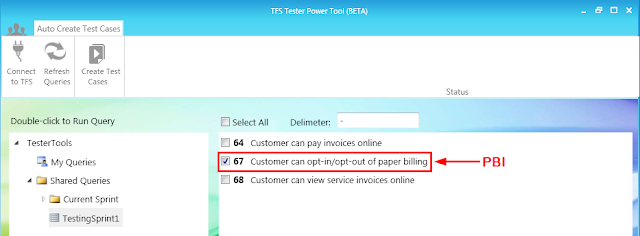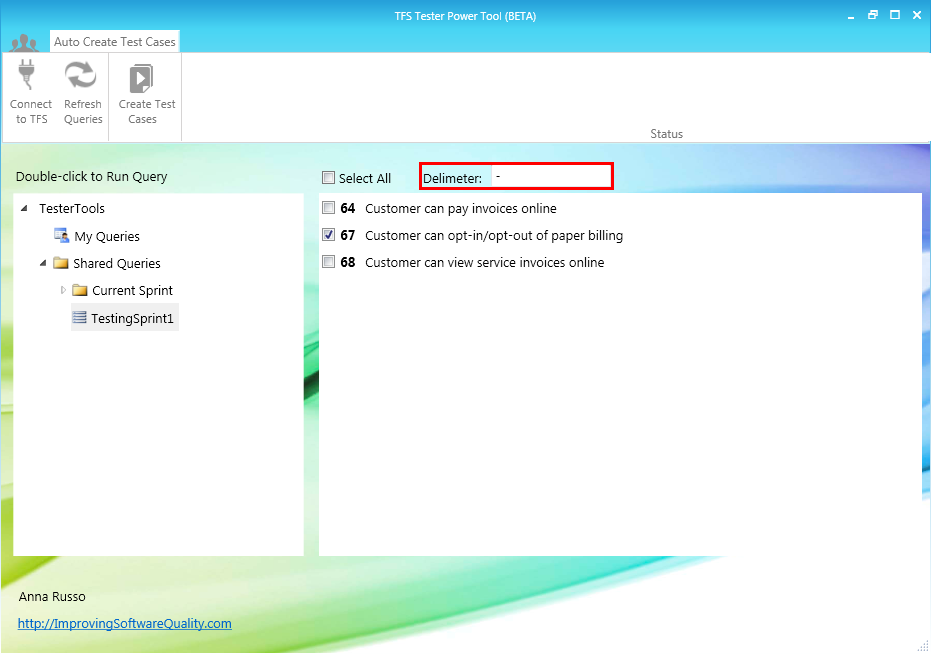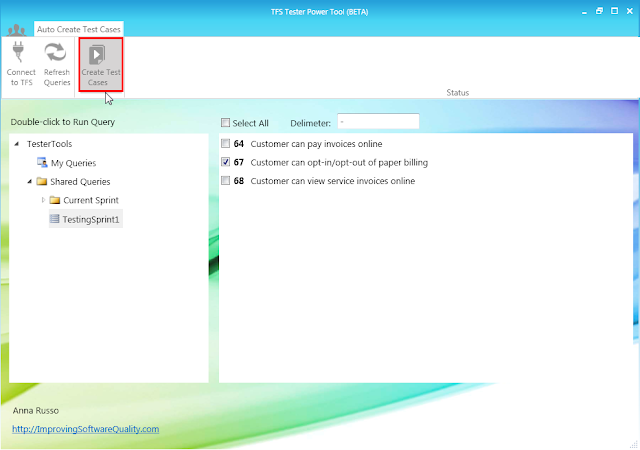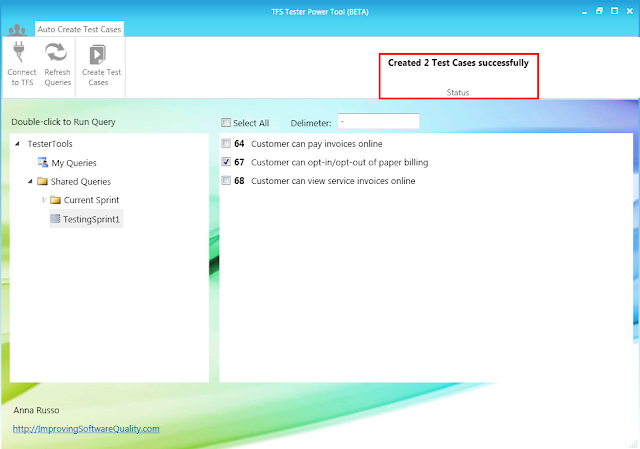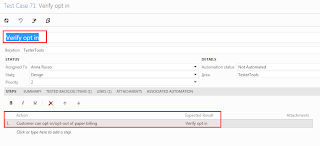
TFS Tester Power Tool-Auto Create Test Cases from PBI Acceptance Criteria(BETA)
Free
From PBI's tester's usually create test cases manually so that they can report on the testing of that PBI. Well that's all until today, because now there is a tool that auto creates test cases efficiently so that you can spend more time on the most valuable activity - TESTING!
If you get this error it is because you are not using the PBI work item which does have the Acceptance Criteria field. You can add the Microsoft.VSTS.Common.AcceptanceCriteria field and add it to any other any work item.
Hope that helps,
Anna
Hi Anna,
I receive an error message, Bulk Copy Test Cases Tool has stopped working, each time I try to open up a query (via double clicking on my queries folder or shared queries folder). Using TFS 2012. Scrum environment.
Hi A Tester,
Thanks for reporting, I will look into this.
As a workaround, if you click on the expand triangle left of the My Queries or Shared Queries and then double click on the actual query the tool should work.
Thanks!
Anna
Thanks. The workaround helped me to generate the test cases. But when I click on the expand triangle that you mentioned above the dropdown shrinks making it near impossible to see the queries until I expand the window.
This was created for the TFS 2012 Scrum template which has a PBI work item and uses the Microsoft.VSTS.Common.AcceptanceCriteria field.
I have received some feedback from those using the TFS Agile template. I am looking to see what I can do to support additional TFS templates.
Thanks for the feedback!
We've ported the Microsoft.VSTS.Common.AcceptanceCriteria field across to our agile template from the Scrum template - would this work with that? (Work Item type is a different name, but field type is the same).
Hi Jsamuel,
Yes the tool is only looking for the Acceptance Criteria field so if you add the Microsoft.VSTS.Common.AcceptanceCriteria to the agile template with a work item that has a different name this will work.
Hope that helps,
Anna