Neat idea, and works really well in CSS hence the 4* but doesn't work in .less files which is a shame as I don't use css at all these days if I can help it. Otherwise ace!
Very good! I'll give it 5 once .CS files are supported in VS 2012 (I can associate the files fine, but it loads the color from strings with the alpha in the wrong place [using the same format as XAML files]).
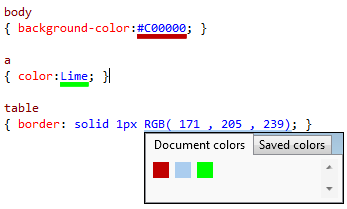
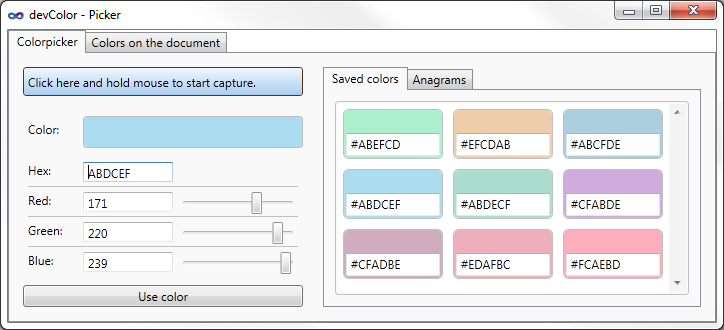
Fantastic! Good to see a visual representation of what colors I'm using. Very useful for copy-pasting styles around the file. Also, VERY glad it plays nicely with Mindscape Web Workbench! Great work :)
Loved this...until the latest update on 8/22/2012. Now, I frequently get an exception message at odd times. I have disabled this until the next update. FWIW, this is the message I get in the VS log file:
System.NullReferenceException: Object reference not set to an instance of an object. at donmar.devColor.MouseProcessor.<>c__DisplayClass1.<.ctor>b__0(String e) at System.Linq.Enumerable.Any[TSource](IEnumerable`1 source, Func`2 predicate) at donmar.devColor.MouseProcessor..ctor(IWpfTextView view, IToolTipProviderFactory toolTipProvider, IEditorOperations editorOperation, ColorPicker_wpf colorPicker) at donmar.devColor.Provider.MouseProcessProvider.GetAssociatedProcessor(IWpfTextView wpfTextView) at Microsoft.VisualStudio.Text.Editor.Implementation.InputController.<UpdateMouseHandlers>b__0(IMouseProcessorProvider p) at Microsoft.VisualStudio.Text.Utilities.GuardedOperations.InstantiateExtension[TExtension,TMetadata,TExtensionInstance](Object errorSource, Lazy`2 provider, Func`2 getter)
Appears to have some odd trouble with being used in VS with a dark background, but uninstalling and reinstalling seems to have corrected the problem, so 5 stars!
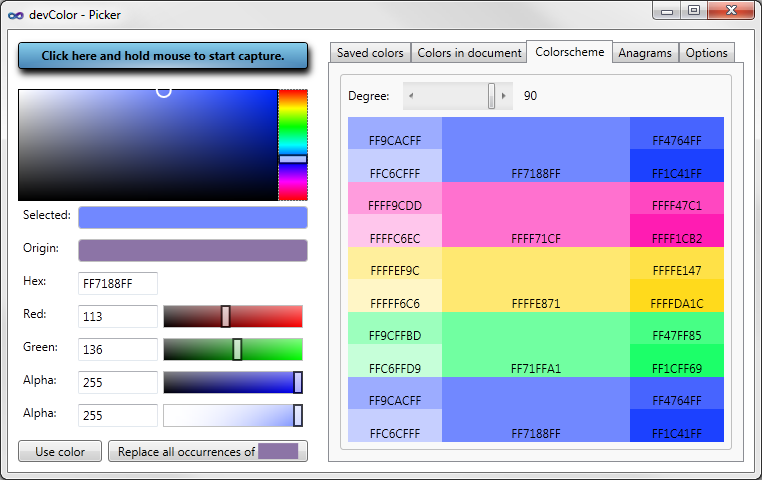
I understand how the anagram feature works, but I don't know *why* I would want this feature. Are they supposed to be aesthetically compatible with each other? Could you clarify? Thanks.
Great tool... thank you. It was good to see that the colour underline also works when editing asp.net web form code-behind files (i am using vb) - as well as normal html and css files.
If we may be so bold we would like to make a request.
When you collapse a method or region of code (in a .vb code-behind file), it underlines the collpased comment-style tag with what appears to be the last mentioned colour in the code.
Is this an intentional feature? Could it possibly become optional if it is?
Again - a great little tool thats speeding things up no end... many thanks for sharing it.
Hi mario,
did you ever fixed this? I love your tool. It simplyfies CSS very much. But since I work with regions in large CSS files, it's still a bit anoying that collapsed regions are underscored by the last color.
Maybe I missed a setting?
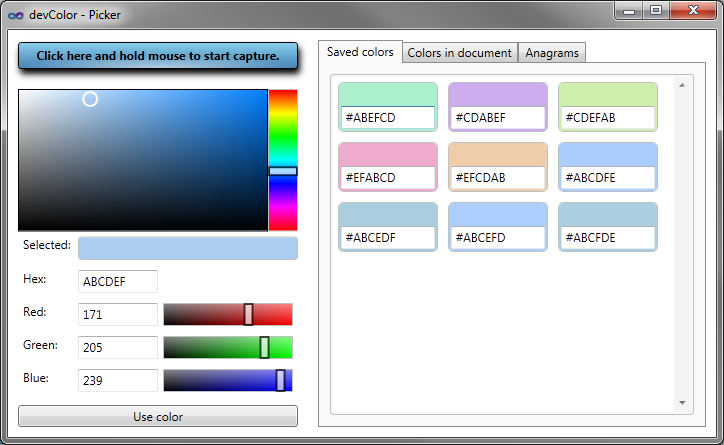
I hope you will. In the VS2012 RC I'm tinkering with the colour picker is very basic. I miss being able to save colours or get quick access to all the colours used in the document; two features in yours I frequently find very useful.
Hi,
ok so i will try to port current version to VS2012.
Maybe i need some beta tester, everyone who wants to help me please write me an e-mail to devcolor@donmar.at
devColor no longer works for me in CS or XAML files in VS2010 after update. No way to bring up devColor picker/config UI. A shame as I had grown dependent upon it.
hi bendenajones,
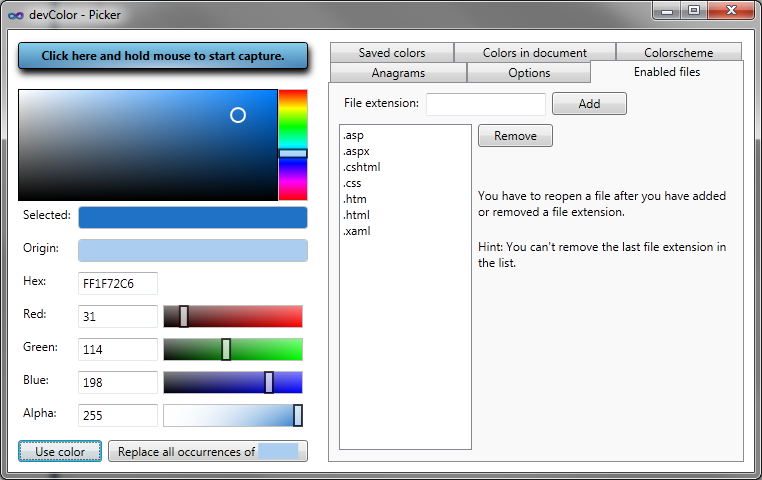
so try to open devcolor with a css file and then there is an options tab. try adding cs file extension.
But you have to reopen all open CS files after adding cs
mario,
That works to get the popup to work for cs files. But I've still lost color highlighting of hex based colors. Highlighting works for Colors enumeration.
thanks for the tool!
I use SASS (http://sass-lang.com/) to style my projects, and my CSS files actually have the SCSS extension. Is there going to be any support for this tool in these type of files?
Hi,
so you can enable SCSS files.
Just open devColor from an css file and go to tab "Enabled files" then add "scss" and re open the scss files.
variables like "$blue: #0000FF;" there will be a color bar under "#0000FF" but not under "$blue".
I try to add support for variable names but it could take a while.
regards
I am running vs 2010, c# and xaml, and I have powercommands installed. devColor dose not work with namecolors and for the hex colors that work almost all of them are wrong. Gray scale colors turns us as green and pink. Could it be I'm missing some settings? Anyone?
I have the exact same problem..
DevColor show totally wrong colors - it's not taking last 2 digits into account.
ex. #EEF7FF show up green(ish) but it should be light blue.
Also #888 is not recognised.
This extension is very useful. Thank you!
I wrote:
readonly Color[] rowColors
= { Color.SandyBrown, Color.IndianRed, Color.Orange, Color.Yellow,
Color.LawnGreen,Color.CornflowerBlue,Color.Violet,Color.DimGray};
The 1st ~ 7th item(Color.SandyBrown, ... Color.Violet) in the array is displayed with color bar.
But the last item (Color.DimGray) is NOT.
I hope this post will contribute to the bugfixing.