Now there is a tool to help with the bulk copying of Test Cases and updates the Iteration field at the same time. In the example below I am copying my Test Cases from Iteration 1 to Iteration 2.
12.0 Updates
- Added Copy Shared Steps option
- Re-designed UI with Telerik controls and Metro theme - Thanks Telerik!
- Any errors you may experience with the tool will generate an email to me
Instructions- Click on Connect to TFS Team Project
- Select Project Collection and Team Project
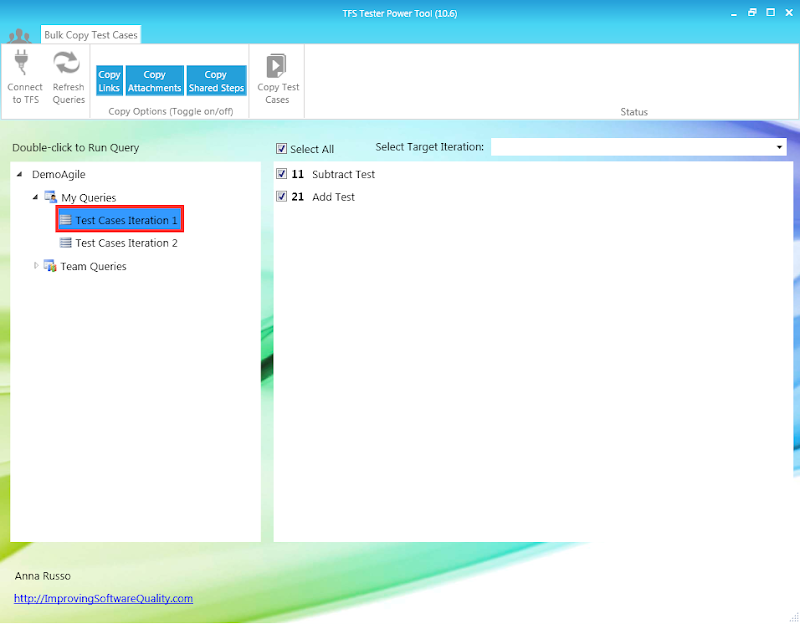
- Find Query (e.g. "Test Cases Iteration 1")
- Double-click to Run Query
- The Query Results will display on the right
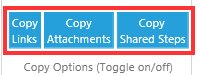
- Select Options - Copy Options are now a simple toggle on(Aqua color) and toggle off(White color). By default all the options are turned on.
- Copy Links - When the option is checked the tool will copy links. When the option is unchecked the tool will not copy links.
- Copy Attachments - When the option is checked the tool will copy attachments. When the option is unchecked the tool will not copy attachments.
- Copy Shared Steps - When the option is checked the tool will copy shared steps work item and update any copied test cases referencing the newly created shared steps work item. When the option is unchecked the tool will keep the reference to the original shared step.
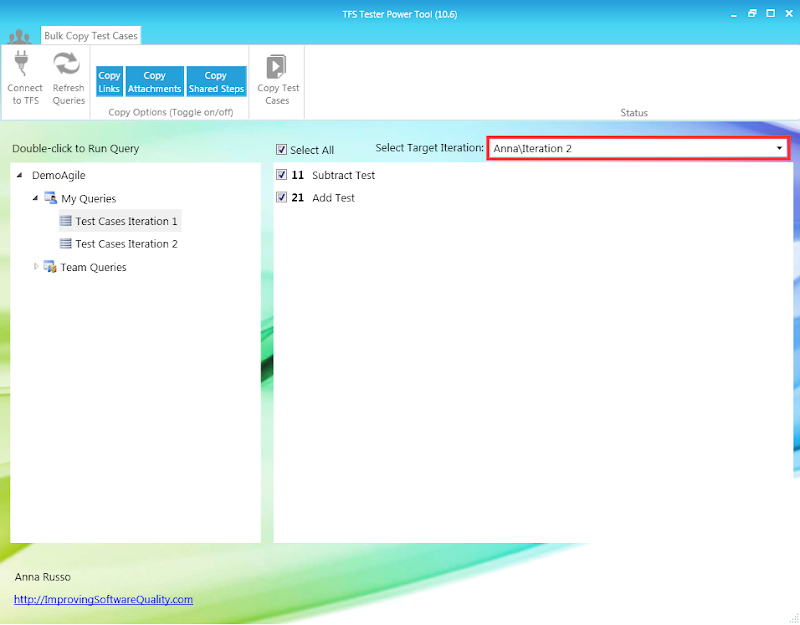
- Select Target Iteration for the release you would like to copy the test cases to (e.g. "Iteration 2)
- Click Copy Test Cases
- You will then receive a confirmation "Copied 2 Test Cases Successfully"
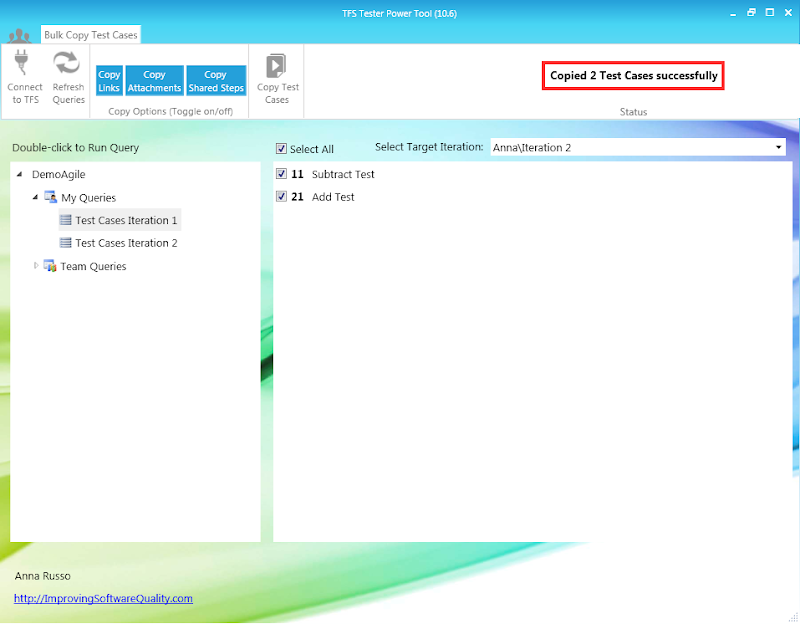
- Now I have copied all the Test Cases I need for Iteration 2
- When you create a query for Test Cases Iteration 2 you will see
- A newly generated Work Item ID
- The Iteration Path has been updated to Target Iteration

Enjoy!
Anna Russo
Application Lifecycle Management Consultant



