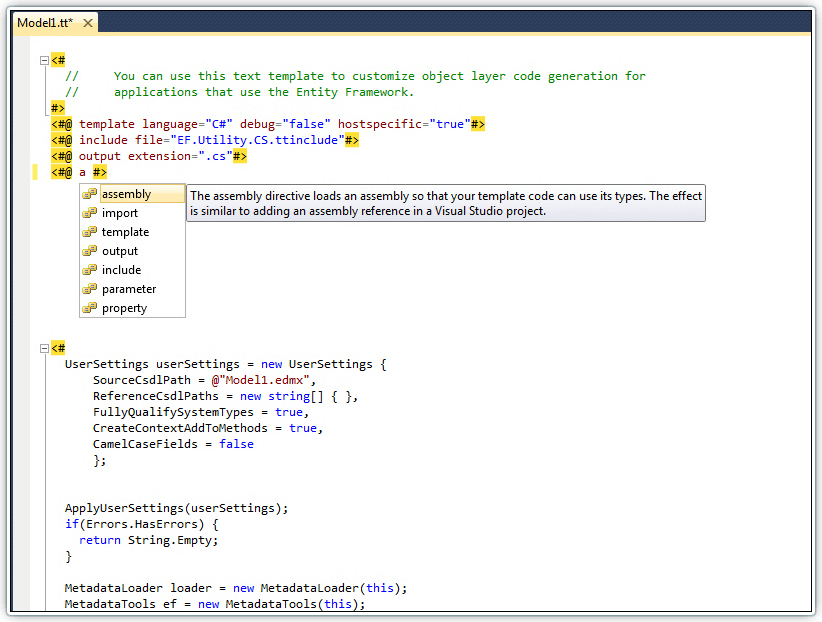
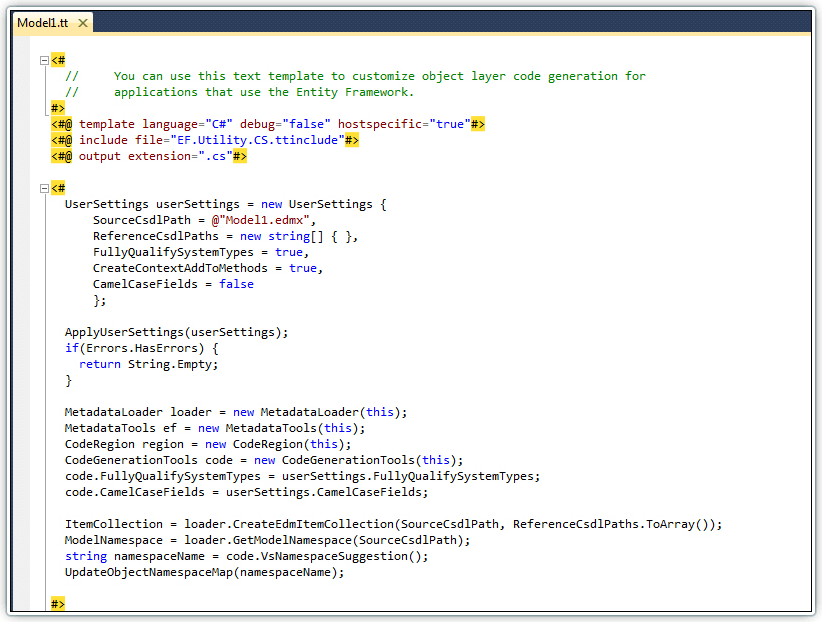
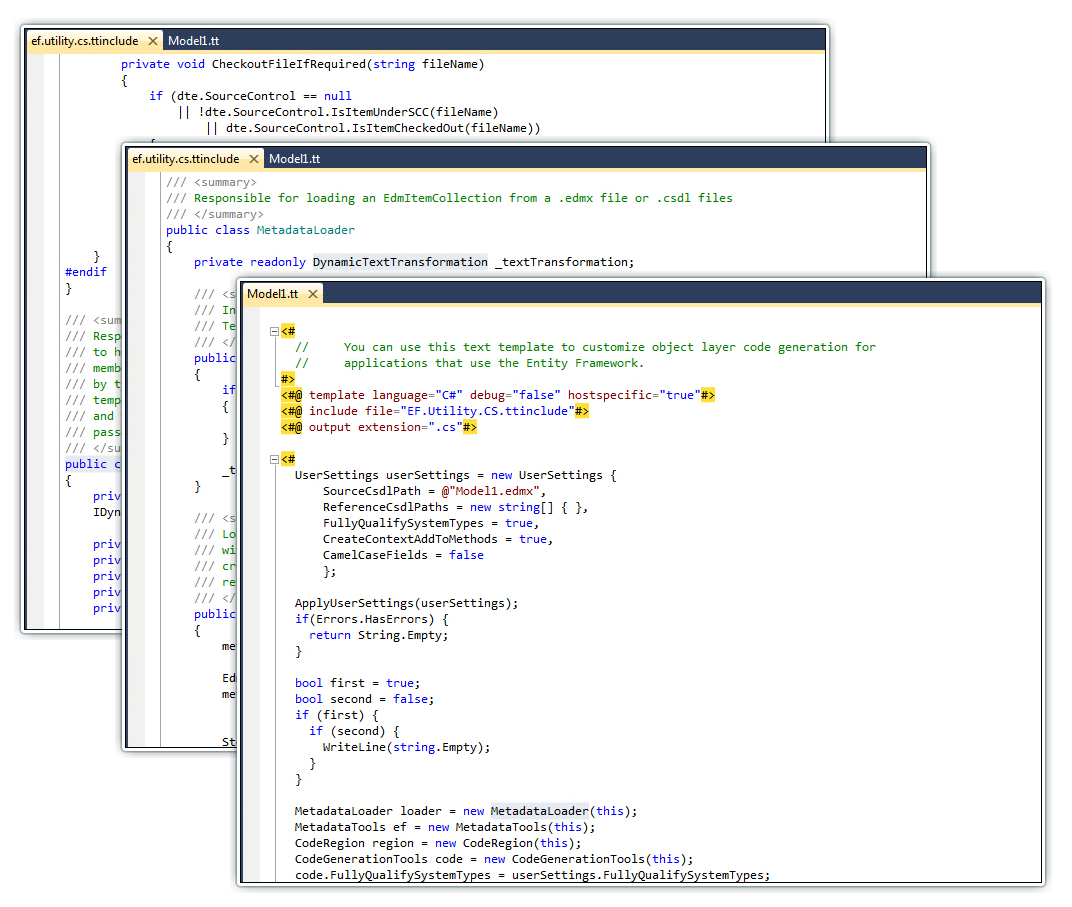
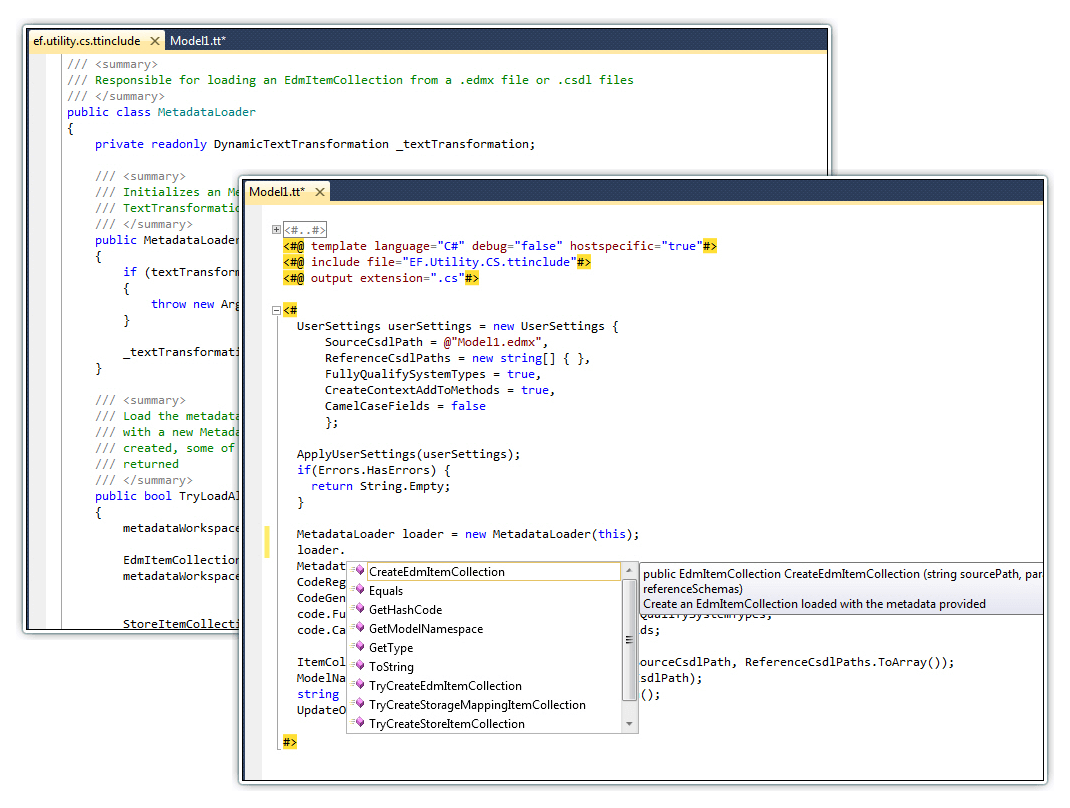
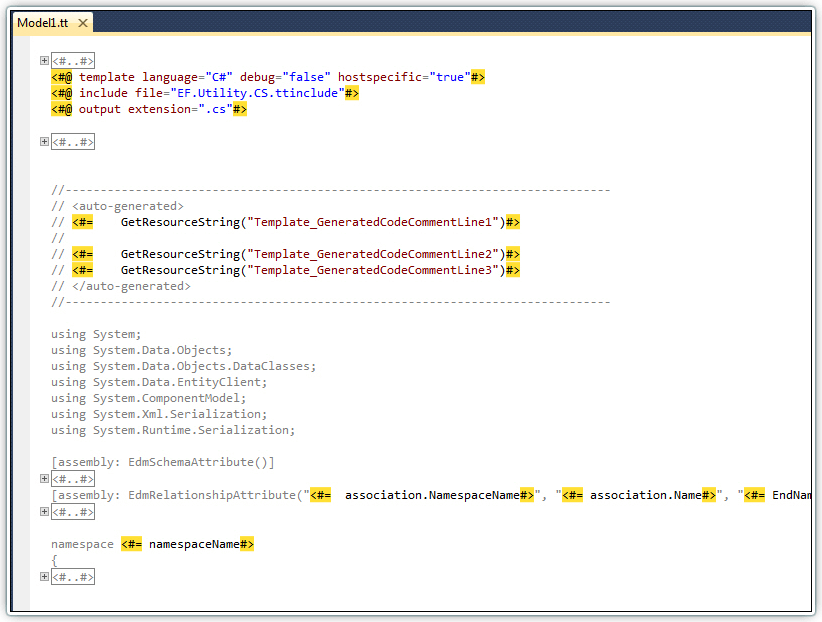
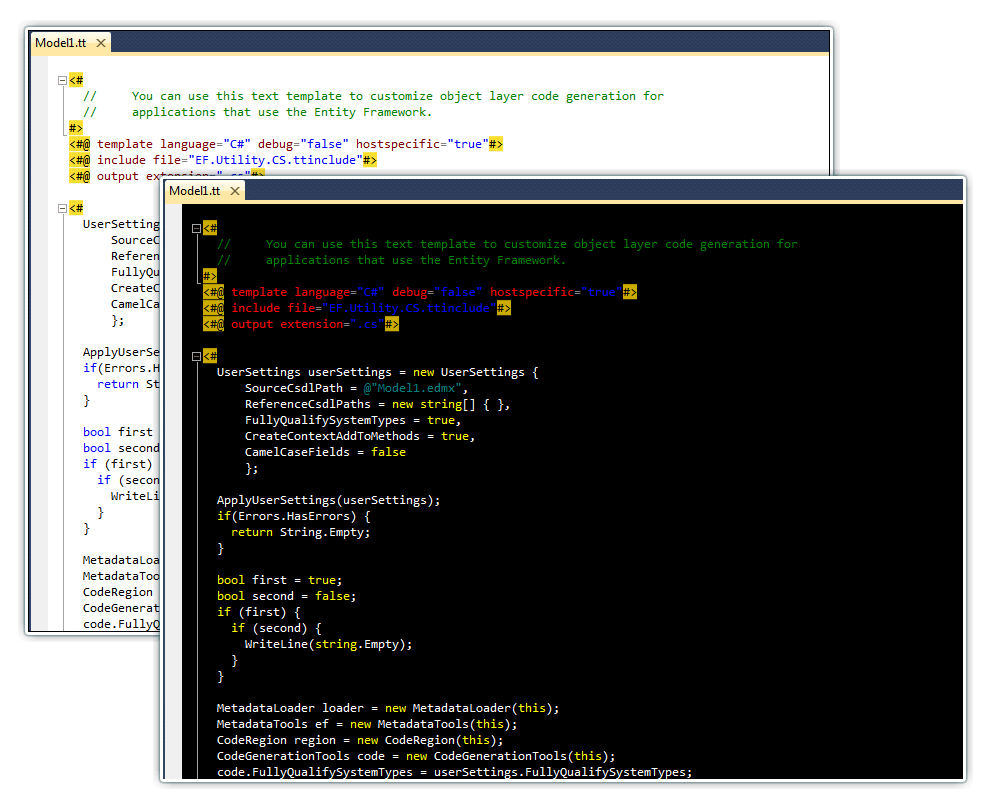
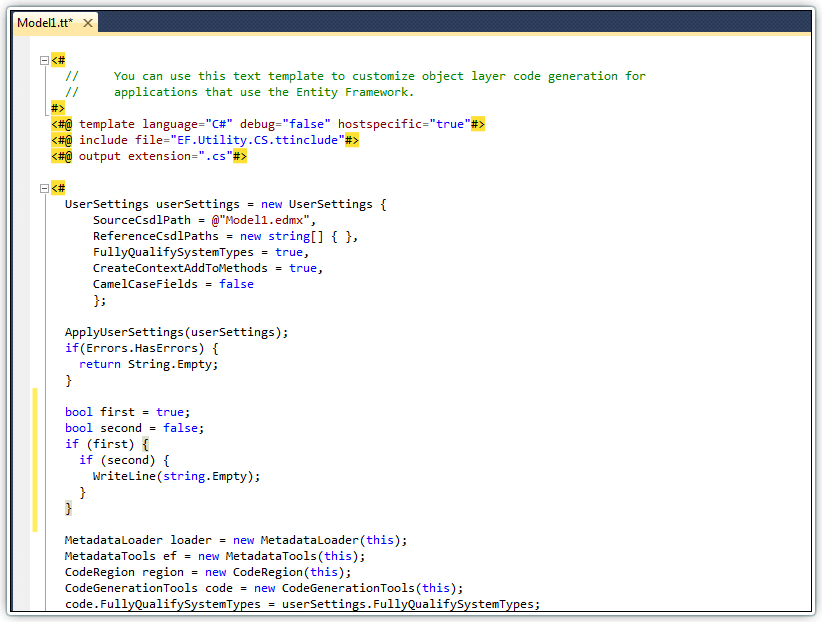
Devart T4 Editor is a powerful Visual Studio add-in for editing T4 templates with syntax highlighting, intellisense, code outlining, and all features of first-class text editor add-in for Visual Studio.
I like this tool so far. The Intellisense works great for our purposes and the highlighting makes it easier to create/edit T4 files. I like that it's fast, utilizes my Visual Studio dark color theme, and doesn't interfere with existing Visual Studio features or with my other extensions, including Productivity Power Tools.
It could be a good T4 editor but it blocks template processing if the template does not pass syntax check. Unfortunately, Devart extension does not support all of C# syntax. A better solution would be to leave error hints as is (even if they are wrong) but let TextTemplatingFileGenerator decide whether the template can be processed.
Good integration into Visual Studio and compatibility with other extensions (e.g. Quick Find extension in the Productivity Power Tools) and supports custom colors.
Biggest minus is that intellisense seems to only work for types, not for members.
I too found this editor buggy. When editing tt files and entering "<#" directives, it quite often missed when I typed the "#" or other characters. On the plus side, Devart's T4 editor seems to have better intellisense support than the free alternatives.
There are so many bugs with this editor: E.g. It does not pick up Extension Methods for e.g. List<T> even when System.Linq is included. Output text is not colored at all. Sometimes when i hit CTRL+SPACE for code completion i get "><". It also feels a bit slow. Complex templates seem to get no intellisense at all, e.g. in my ttincludes it did not work. For me it feels about as bad as the clarius beta version that is currently out - except they are at least naming it beta.
Maybe you better make a commercial version and put some more serious work in the product? Furthermore I do not see a promise for how long this product stays free?
Best T4 editor out there! Intellisense in the code blocks and the T4 blocks, works with the standard find/replace tool window, nice and fast. Our T4 saviors!
Why does this extension have the "Visual Studio 2012" and "VS2012" tags? It is NOT compatible with VS2012. I get this error during the install:
24/04/2013 12:20:57 - Searching for applicable products...
24/04/2013 12:20:57 - Found installed product - Microsoft Visual Studio Ultimate 2012
24/04/2013 12:20:57 - Found installed product - Microsoft Visual Studio Premium 2012
24/04/2013 12:20:57 - Found installed product - Microsoft Visual Studio Professional 2012
24/04/2013 12:20:57 - Found installed product - Microsoft LightSwitch for Visual Studio 2012
24/04/2013 12:20:57 - Found installed product - Microsoft Visual Studio 2012 Shell (Integrated)
24/04/2013 12:20:57 - Found installed product - Global Location
24/04/2013 12:20:57 - VSIXInstaller.NoApplicableSKUsException: This extension is not installable on any currently installed products.
à VSIXInstaller.App.InitializeInstall()
à System.Threading.Tasks.Task.InnerInvoke()
à System.Threading.Tasks.Task.Execute()
Please, don't make me lose my time by lying about the supported version...
Hello Thomas,
There has been a wrongly placed link for the Get Now button. It is now changed and you will be redirected to the Download page where you can choose the edition of T4 Editor, as it is available in 3 editions, for Visual Studio 2008, Visual Studio 2010 and Visual Studio 2012.
Sorry for the previously placed misleading information and thank you for pointing that out.
I write this:
<# if(doesntNeedIndent) { #>
...
<# } #>
then I run feature [Format Document], it become:
<# if(doesntNeedIndent) { #>
...
<# } #>
I think the code in same line with "<#" or "<#=" shouldn't be indented.
Can you fix this?
Thank you.
I have some functionality I use in my .tt files that is NOT part of the compiled project. (i.e., my assembly cannot be made a reference in the project). If I put my assembly in the GAC and reference it like:
<#@ assembly name="MyCompany.MyLibrary" #>
<#@ import namespace="MyCompany.MyLibrary" #>
everything is ok with your editor. However, if I try to reference it locally like:
<#@ assembly name="$(SolutionDir)\TemplateLibs\MyCompany.MyLibrary.dll" #>
<#@ import namespace="MyCompany.MyLibrary" #>
then the T4 editor doesn't work right (no intellisense, etc). NOTE: VS2010 itself works fine this way and generates the template as expected, just the T4 editor doesn't work right.
There are multiple reasons I don't want this library in the GAC - there are multiple versions, and it's shared with others via Subversion and I don't want them to have to install to GAC, etc...
Can you please fix this?
Thanks!
VS2010 editor seems sluggish when editing .tt files. In particular it seems to miss some of my keystrokes, for example when I type "<#" at a normal pace (for me), it looses the "#". Are you aware of a fix or workaround?
With out a promise that this will stay free, this is just a combo of "the first hit is free" and "please work for me for free".
This happens all the time in tool development. You install and help the developer work through all the bugs, then when you have suffered through and got to where you really like the tool, they change the system so that now you have to pay for it.
The first few times I got sucked in, but no longer. Please post your long term "free" intentions for those of us who do not want to be "free software testers" for you.
The current functionality is free and will be free in future. We assume the possibility of implementing a paid edition of Devart T4 Editor with an additional functionality, but the current features will be free.