tangible T4 Editor 2.1 plus modeling tools for VS 2012 RTM
Free
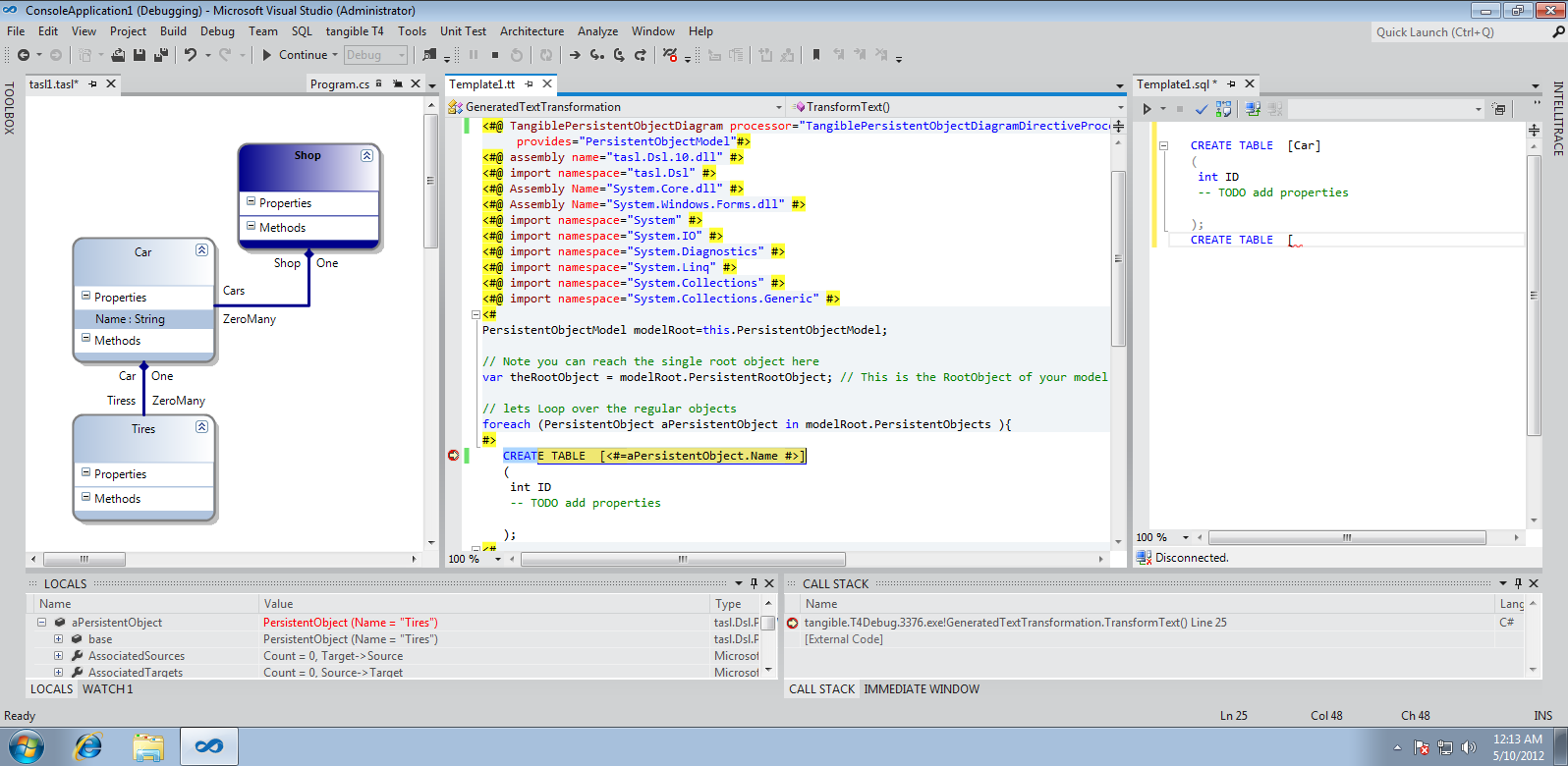
With tangible's T4 Editor FREE EDITION you can author your own Code Generator via T4 Text-Templates with IntelliSense,T4 Syntax-Highlighting, Advanced T4 Debugger,T4 Transform on Build.
Using the modeling tool you can envision and model your project and generate via T4 from it.
Hello Jowen, thank you for reporting. It would be really helpful to have more information on this. Please send your OS Version, VS Version and Installed Extensions and Plugins to support@tangible.de and we will take a look if there is something strange happening. It would be great if you could provide the infos so we make sure it works well for you as anyone else using the tangible T4 Editor V2.
This causes VS to crash within 10 minutes of working with a tt file in VS 2012 pro. I am looking forward to an update, as it is very useful in that 10 minute period.
V2 is ways better almost for the highlight! Miss some intellisense feature (not listing custom type properties or template methods e.g. WriteLine) and the intellisense colors is not coherent to the VS11 colors.
Works great! Finally T4 highlighting in VS11. Make sure you have the VS11 Beta Update installed! Also, you can change the colors if you use the Dark theme (will take less than 5 minutes...) If you need intellisense for custom classes, support the developers and buy the product - the free vs. pro features are clearly stated on the website.
I don't see a link to the license on this page, nor is there an obvious one on http://t4-editor.tangible-engineering.com/T4-Editor-Visual-T4-Editing.html or any of the links available in the T4 Editor Menu
What license am I implicitly agreeing to if I install this extension?
Hi Lady Bacon,
when you run the installer you will presented with a License Agreement. You can then dedice if that is ok for you or not. So i hope you just run the installer do find the EULA inside before accepting it.
Tim
Technical details:
Problem Event Name: CLR20r3
Problem Signature 01: devenv.exe
Problem Signature 02: 11.0.50727.1
Problem Signature 03: 5011ecaa
Problem Signature 04: tangible.T4Editor2010WPF
Problem Signature 05: 2.1.0.0
Problem Signature 06: 50409815
Problem Signature 07: 28e
Problem Signature 08: a2
Problem Signature 09: System.NullReferenceException
OS Version: 6.2.9200.2.0.0.256.48
Locale ID: 1033
Additional Information 1: 5861
Additional Information 2: 5861822e1919d7c014bbb064c64908b2
Additional Information 3: dac6
Additional Information 4: dac6c2650fa14dd558bd9f448e23afd1
Please disable the feature "Current Word Highlighter" you can find the option to disable it in the Menu tangible T4 -> Options. We are sorry for this issue and we are releasing 2.1.1 with this feature fixed. Please disable the feature for so long.
We had some issues with some computers out there that caused VS to crash after using the addin for some time when the current world highlighter was enabled. Theese issues have been fixed. Please Update.
I've installed this Editor in the vs2012 RC, and it ran well when I started with my project of a DSL designer. But when I run a experimental instance without debug, I couldn't find the T4 editor's highlight when I edited the .tt file. I've added all the dll references in the project and still couldn't fix the trouble. Can you help me with this problem? Thx a lot.
Hello J.Q. Xu,
in order to enable Extensions you installed into VS normal instance you need to run Reset Experimental Hive Command which you find under Start->Programs->Visual Studio SDK->Tools->Reset the Experimental Hive.
Also note that the current Version 2.1 is supported on VS 2012 RTM. If you want to use RC you should use the older Version 2.0 available from our website.
I just installed the new bits and is working perfectly with VS 11 right away. The coloring appears right away when you open the tt file and intellisense is working properly as well.
Good work fixing this so fast.
Hi there, finally after a lot of research we can say for sure that if coloring is missing all you need to do is start visual studio command line prompt and run devenv.exe /setup. This will fix the addin. We will post a modified setup today, so you do not need to do it manually in future.
Hello,
this build should fix:
- Intelli-Sense in Free was too restricted
- Possible Issues with VS Beta some pleople had, and possibly Side by Side issues.
Tim
Hi
I would like to know if there is anyone that actually got this working properly in VS 11 Beta with April Updated applied.
Please let me know if you have also VS 2010 with tangible T4 editor for VS 2010 running as well.
Thanks,
Ariel
Hi just installed this for working with VS 11 Beta and it doesn't work properly when I first open my tt or ttinclude files I don't get highlighted syntax I have to start writing and scrolling and then eventually will appear.
Please fix this I love to have highlighted syntax and intellisense in my T4 files
Hi, thank you for reporting this. Could you please let me know the exact version number of VSBeta you run. There are updates shipped over the internet and i need this info to do the repro.
Thank you for reporting. The issue is that you need to have VS 11 April Updates installed to have the Editor work correctly. You can download them here: http://go.microsoft.com/fwlink/?LinkID=246569 .Actually VS11 should have prompted you to install them. The version number after install is: Microsoft Visual Studio 11 Version 11.0.50323.1 QRELB.
Since the beginning I was using VS 11 April Update. I downloaded it again and re installed it but it continues giving me problems. This is my version of VS 11 and .NET 4.5
Microsoft Visual Studio 11
Version 11.0.50323.1 QRELB
Microsoft .NET Framework
Version 4.5.50131 QRELB
The same problems continue when you open the tt files it doesn't show any highlight at all just when you scroll or start typing then some colors start to appear if you type something the intellisense gets stuck and don't allow you to do anything else. Uninstalling it again till this get fix. I really would love that this get fix soon I really use this daily. The VS 2010 version is working perfectly.
Sorry Tim for the delay.
Yes I do have VS 2010 tangible T4 editor v2 installed side by side my VS 2010 version is working perfect but not the VS 11 version (The problems continue)
Thanks
Ariel
Hey Tim
I uninstalled all versions of tangible from my pc then installed the old version for VS 2010 and the new v2 for VS 11 and still I was having problem in VS 11 the colors not showing up directly till I change something in the T4 template and also I didn't mention it before but let's say you write anything on the editor let's say 's' it triggers the intellisense and it gets stuck right there it doesn't allow you to continue typing. I have the latest update for VS 11 installed (April update and my version is Version 11.0.50323.1 QRELB)
Is anyone else experiencing this kind of problems??
Is there any solution for this or a workaround?
Thanks,
Ariel
We got some feedback from users that tangible T4 Editor 2.0 in VS 11 does not work (e.g. coloring only appears when you change code). To solve this please make sure have these VS 11 Beta updates are installed: http://go.microsoft.com/fwlink/?LinkID=246569. You should be prompted by VS 11 to install them automatically but some users don’t have them. So please check your Version number. When installed your VS Version number should be “Microsoft Visual Studio 11 Version 11.0.50323.1 QRELB”. Also interesting might by that you can change the T4 Code Highlight Color via Menu Tools->Options->Environment->Fonts & Colors ->”tangible T4 Background” if you are using the dark theme.