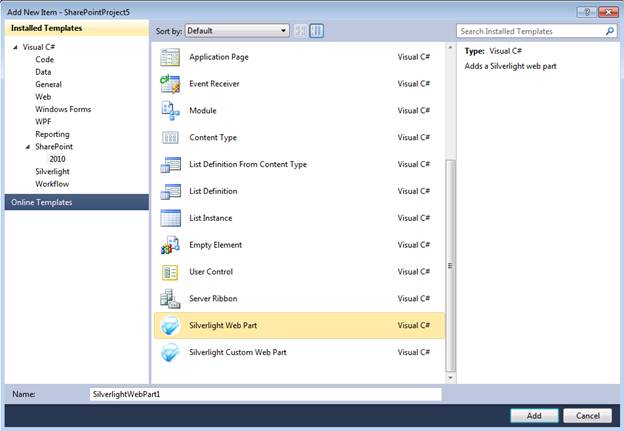
Watch the video on Silverlight TV to see how the extension works. Silverlight TV 68: Worlds are Colliding! New Silverlight Web Parts for SharePoint Overview The Silverlight Web Part extensions for SharePoint are designed to make it as easy as possible for a developer to add Silverlight applications to SharePoint. The extensions provide 2 new Project Item Templates called “Silverlight Web Part” and “Silverlight Custom Web Part”.
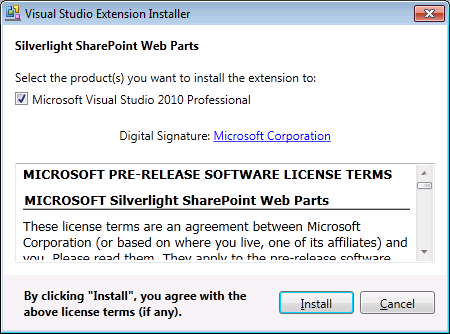
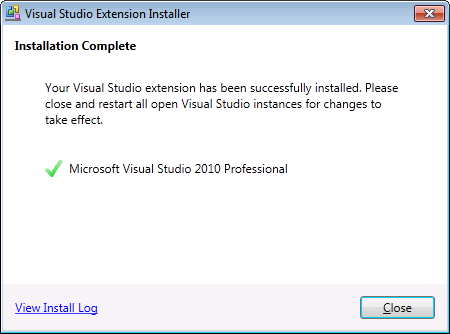
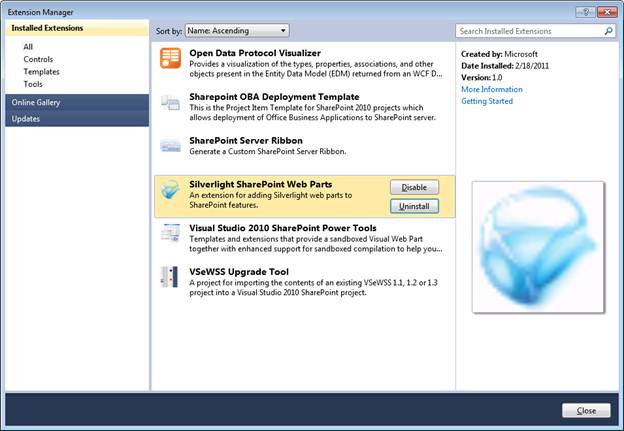
Both of these Project Item Templates work in both Sandboxed and Farm solutions. Both templates will package and deploy your Silverlight application (.xap) into the SharePoint Solution Package (.wsp). They will also create a Web Part to host the Silverlight application. TheSilverlight Web Part will use the built-in Silverlight Web Part provided by SharePoint. TheSilverlight Custom Web Part will use a Sandboxed Visual Web Part to host the Silverlight application. And finally, the template will also create a test harness page in the Site Pages library that hosts the Silverlight Web Part. The Silverlight Web Part is designed to be very lightweight and as a result using very little or no custom code to create the Web Part. This makes it easy for developers to understand how to use and extend their code after adding the Silverlight Web Part. The Silverlight Custom Web Part takes advantage of the Sandboxed Visual Web Part that was released by the Visual Studio team. This Web Part enables developers to extend the Web Part for advanced scenarios such as adding JavaScript/JQuery and other controls in addition to the Silverlight application. Installing
The steps are the same if you are creating a Silverlight Web Part or a Silverlight Custom Web Part.
If you do not have a Silverlight Application in your solution you will be prompted to create a new one. If you have more than one Silverlight Application you will be prompted to create a new one or pick one of the existing projects.
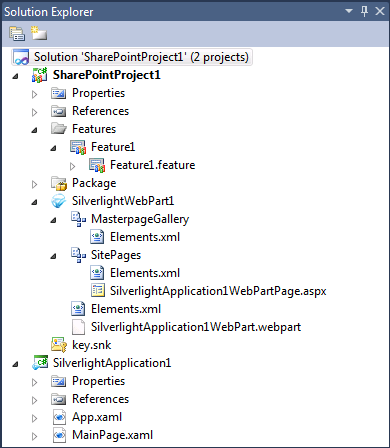
Example Silverlight Web Part project
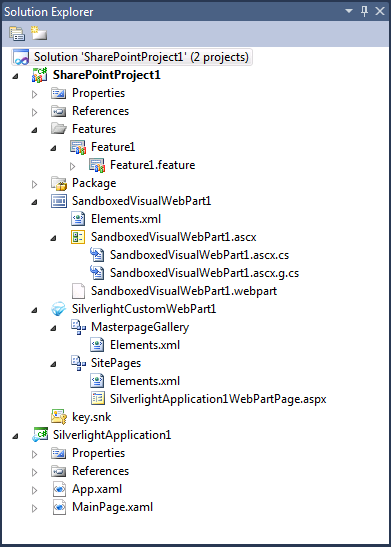
Example Silverlight Custom Web Part project
How it works So how does the Silverlight extension work? The extensions are doing the same thing that you can do manually. But by have the process of creating a Silverlight Web Part automated it allows you to focus on the application and not the plumbing of running it in SharePoint. |